Explain the benefits
Compare the sequence, then adapt it with your real app facts.
21 references. Recorded sources, no conversion claims.


Structured: Daily Planner Todo
→An everyday planning promise followed by routines, planning assistance, widgets and calendar connections.
Planning · 8 frames · Explain the benefits


TickTick:To-Do List & Calendar
→A broad productivity opening followed by named tools, from calendar and voice input to habits and widgets.
Planning · 10 frames · Explain the benefits


Calendars: Schedule Planner
→An opening about remembering, followed by calendar views, scheduling, lists and reminders.
Planning · 10 frames · Explain the benefits


To Do List MinimaList & Widget
→A sequence of specific conveniences: colored lists, widgets, focus tools and personalization.
Planning · 9 frames · Explain the benefits


Digital Planner – Task Journal
→An aesthetic planner introduction followed by templates, tracking, stickers and journal covers.
Planning · 6 frames · Explain the benefits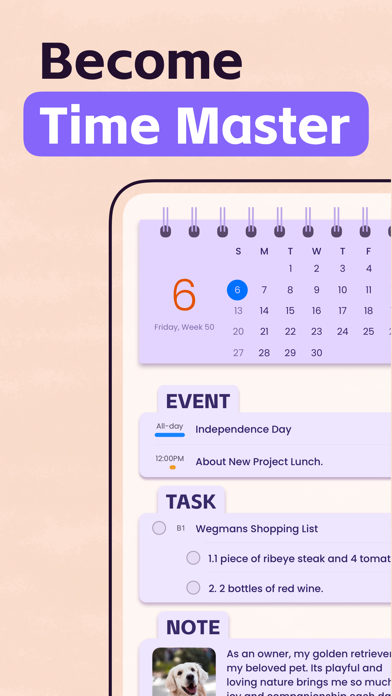
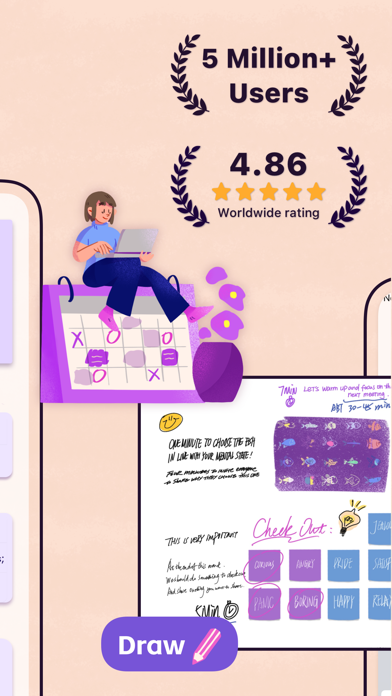
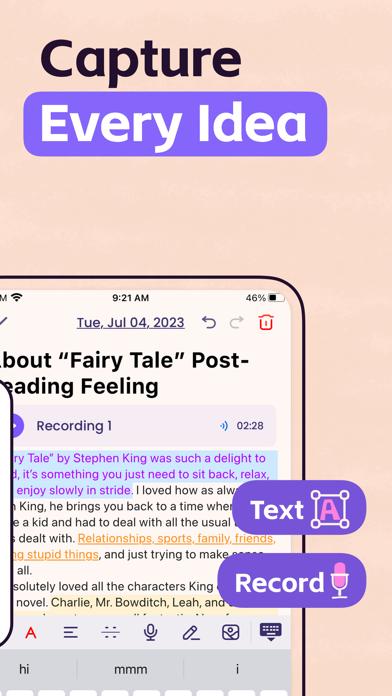
Planner Pro - Daily Planner
→A time-management opening followed by idea capture, organization, synchronization and themes.
Planning · 8 frames · Explain the benefits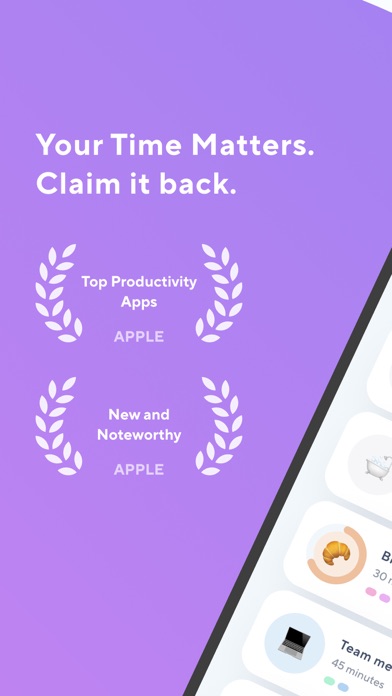
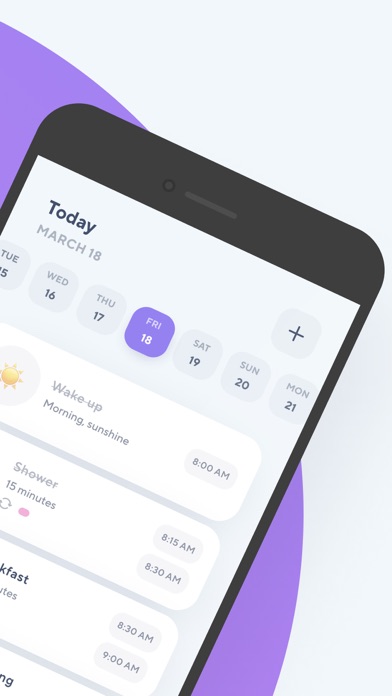
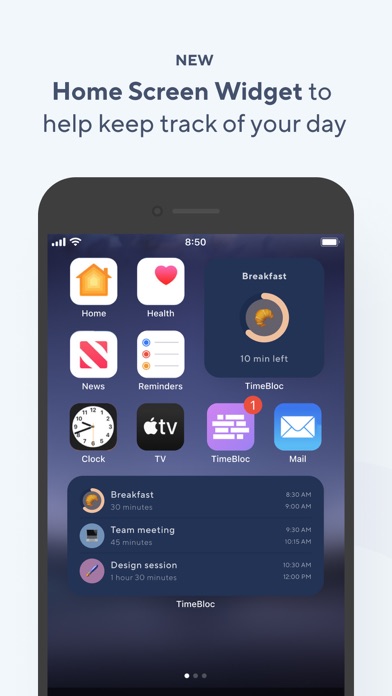
TimeBloc - Daily Planner
→A time-focused opening followed by arranging events, routines, widgets and calendar integration.
Planning · 7 frames · Explain the benefits


Do Habits: Get It Done
→A simple habit-tracking opening followed by widgets, reminders, streaks and display options.
Planning · 8 frames · Explain the benefits


My Diary - Journal with Lock
→An introduction followed by customization, privacy controls, moods, media and journal insights.
Journaling · 10 frames · Explain the benefits
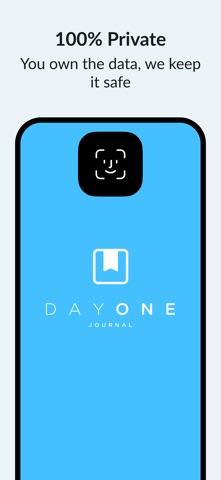

Day One: Daily Journal & Diary
→A journal sequence covering privacy, media, habits, shared journals, templates and revisiting memories.
Journaling · 10 frames · Explain the benefits


Planner & Journal - Zinnia
→A planner introduction followed by creative journaling, editing and templates.
Journaling · 9 frames · Explain the benefits


Journey - Diary, Journal
→A journal opening followed by a companion, writing, calendar views, maps and sharing.
Journaling · 10 frames · Explain the benefits


Babbel - Language Learning
→A language-learning introduction followed by speaking, short lessons, dialogues, practice and podcasts.
Learning · 8 frames · Explain the benefits


HelloTalk - Language Learning
→A worldwide conversation opening followed by chat, learning tools, partners and community formats.
Learning · 7 frames · Explain the benefits


Airlearn - Language Learning
→A language-learning opening followed by courses, conversation practice, culture, revision and vocabulary.
Learning · 8 frames · Explain the benefits


Busuu: Language Learning App
→A real-life language opening followed by lessons, progress, community help, checks and goals.
Learning · 10 frames · Explain the benefits


Onrise: Habit Tracker & Focus
→A habit-oriented introduction followed by small starts, focus sessions and journaling.
Habits · 7 frames · Explain the benefits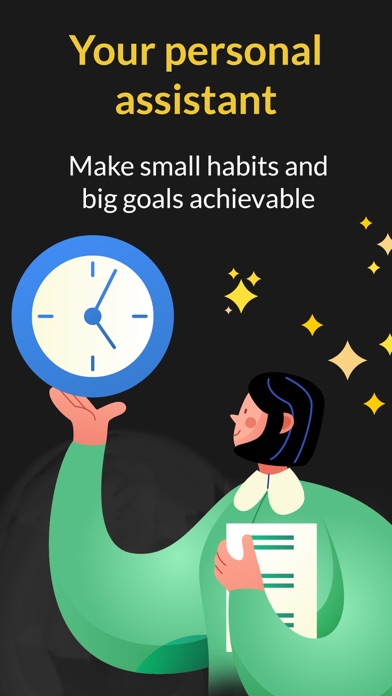
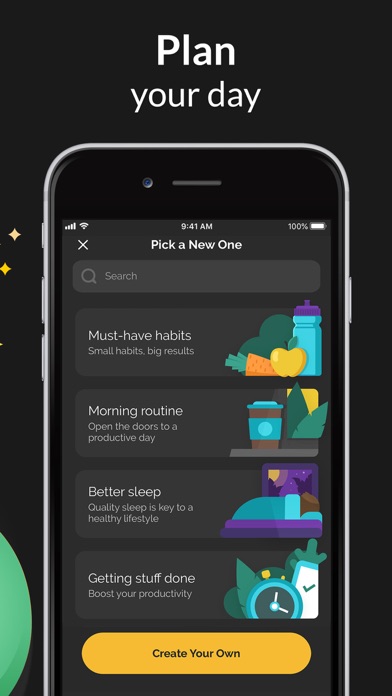
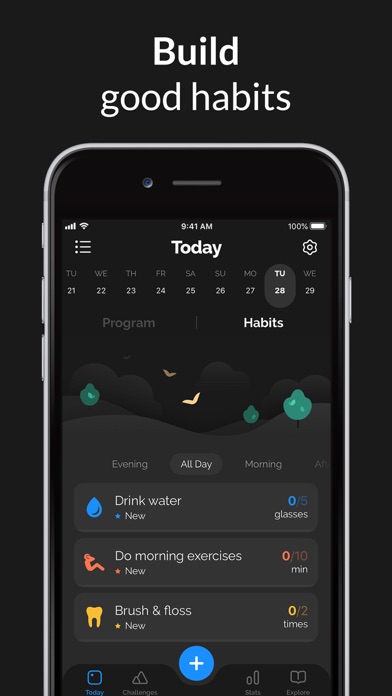
Productive - Habit Tracker
→A personal-assistant opening followed by planning, habits, goals, challenges, reminders and progress.
Habits · 7 frames · Explain the benefits

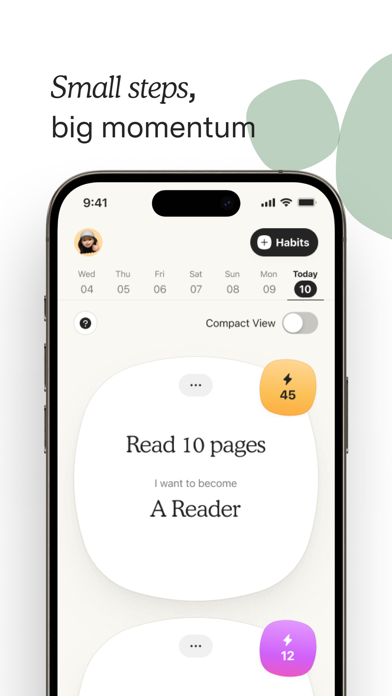
Atoms - from Atomic Habits
→A habit-app introduction followed by principles, small steps, progress and guidance.
Habits · 7 frames · Explain the benefits


Grit: Daily Habit Tracker
→A habit-tracking opening followed by achievements, statistics, widgets and habit creation.
Habits · 8 frames · Explain the benefits


Strides: Habit Tracker + Goals
→A goals-and-habits introduction followed by daily routines, numerical goals and progress reporting.
Habits · 9 frames · Explain the benefits